
Keyboard Shortcuts for PC and Mac
Today I'm going to talk about keyboard shortcuts because if you're more keyboard orientated like I am, then knowing the relevant shortcuts WILL save you time!
Keyboard Shortcuts for PC and Mac
I have put together a list of the ones I use most often, with specific reference to working with Instagram and creating content, so the list will not be exhaustive.
They are here for your reference, in case you've wondered what they are but have never found out or you don't use them that often, so you keep having to Google them each time you want to use them.
The list shows shortcuts for both PC and Mac keyboards as I use both and they are not the same in both instances. I'm sure you'll probably know some of them!
Most of the keyboard shortcuts I'm documenting apply once you've selected something—either a file, a page, a piece of text etc. There are a few that apply to actions taken but I'll indicate those.
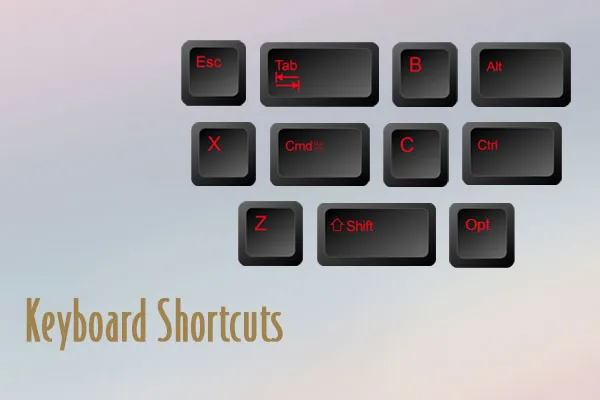
The shortcut will be indicated by the key name i.e. Ctrl (PC & Mac), Cmd (Mac), Alt (PC), Opt (Mac) the plus sign + and the key that needs to be pressed i.e. A, C, V etc. The key letter will always be in capitals but you don't have to press the Shift key as well, just the corresponding letter key. You also don't need to press the + key, that's just to indicate that you have to press both keys.
In order to use the shortcut, press and hold the relevant command key and then press the required letter to perform the action.
Keyboard Shortcut Key Combinations
That's probably enough shortcuts to get you going!! If you want more, you can Google 'keyboard shortcuts for Mac or PC' as there are many sources.
I would suggest that when you find one you like referencing, you create a page in your OneNote or Evernote called Useful Links and you paste it in there for future reference. Remember to give the link a title so you know what it refers to!
As always, if you have any questions please let me know as I am always happy to help where I can!
Have an amazing rest of your week!!


